PDF Scanner
by Space2Code
Scan, edit and convert PDFs — right on your phone.
PDF Scanner is the all-in-one mobile app for working with documents on iOS and Android. Capture paper with your camera, edit and convert files, and protect or compress your PDFs in a few taps. Everything runs on your device — one private toolkit for everything PDF.
By downloading, you agree to the Terms of Service and Privacy Policy. Your documents stay on your device.
Everything you need to work with PDFs
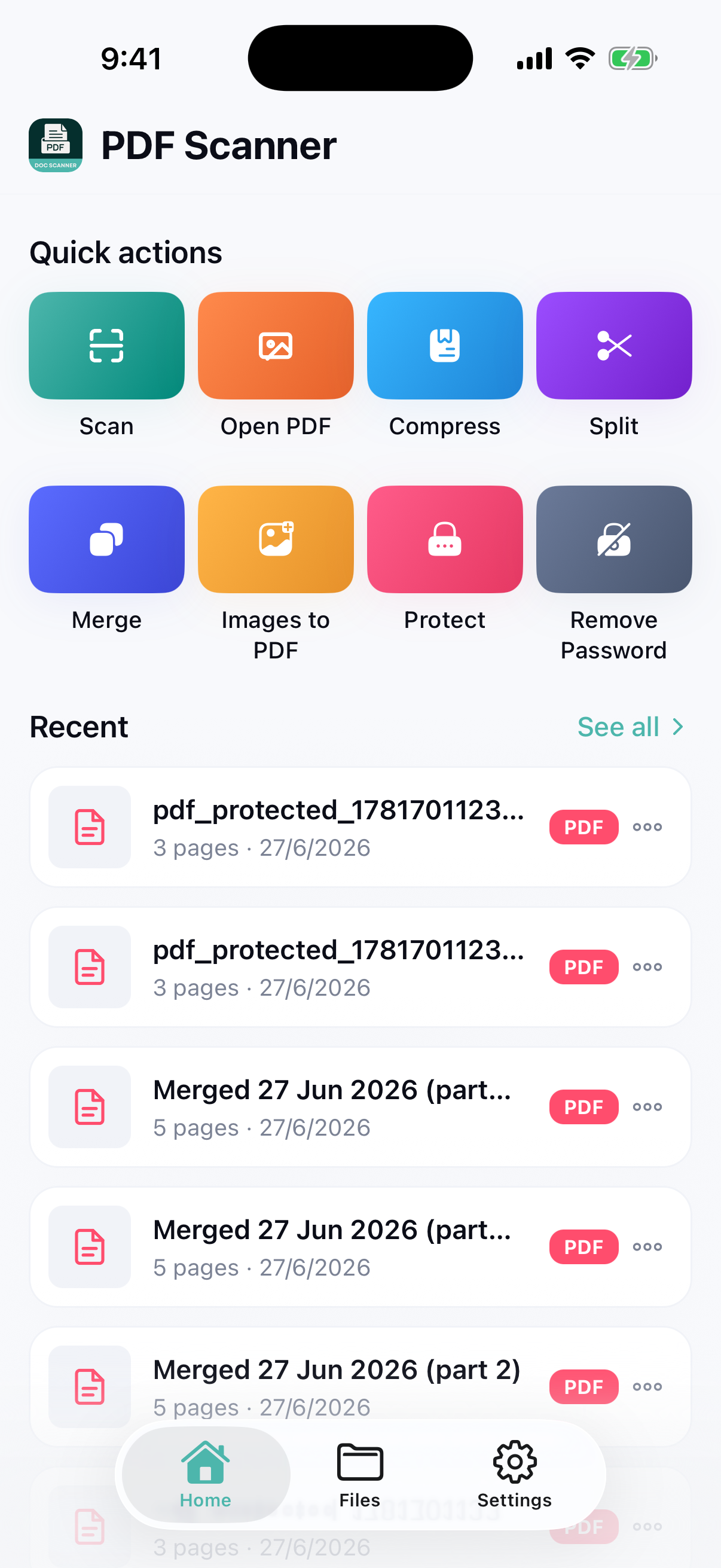
PDF Scanner brings every document tool you need into a single, easy-to-use mobile app. Use your phone camera to scan paper into clean, sharp PDFs, then view and edit them right on your device. Convert a PDF into an editable document, make your changes, and turn it back into a polished PDF when you are done. Turn photos into PDFs, merge several files into one, split a long document into parts, and compress large files down to a target size for easy sharing. Need to keep things private? Add a password in seconds, or remove one you no longer need. Everything happens on your device and stays there — nothing is uploaded to us, so your documents are yours alone, on both iOS and Android.
Powerful PDF tools, all in one app
View PDF
Open and read any PDF with a fast, clean viewer on phone, tablet or browser.
Edit PDF
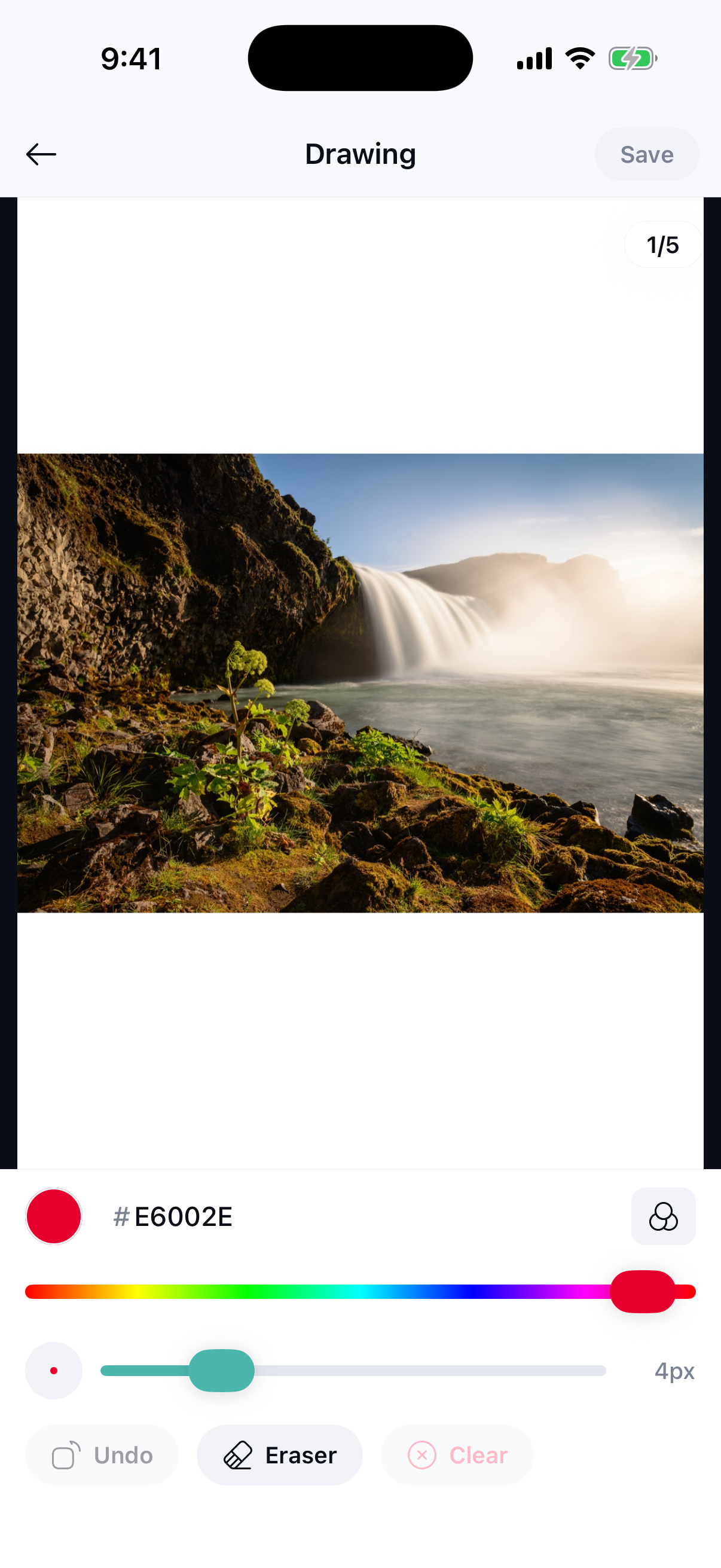
Mark up, annotate and adjust your PDFs directly without extra software.
PDF → Document
Convert a PDF into a fully editable document, including PDF to Word.
Edit Document
Change text and layout in the converted document just like a normal file.
Document → PDF
Turn your edited document back into a clean, shareable PDF in one tap.
Image to PDF
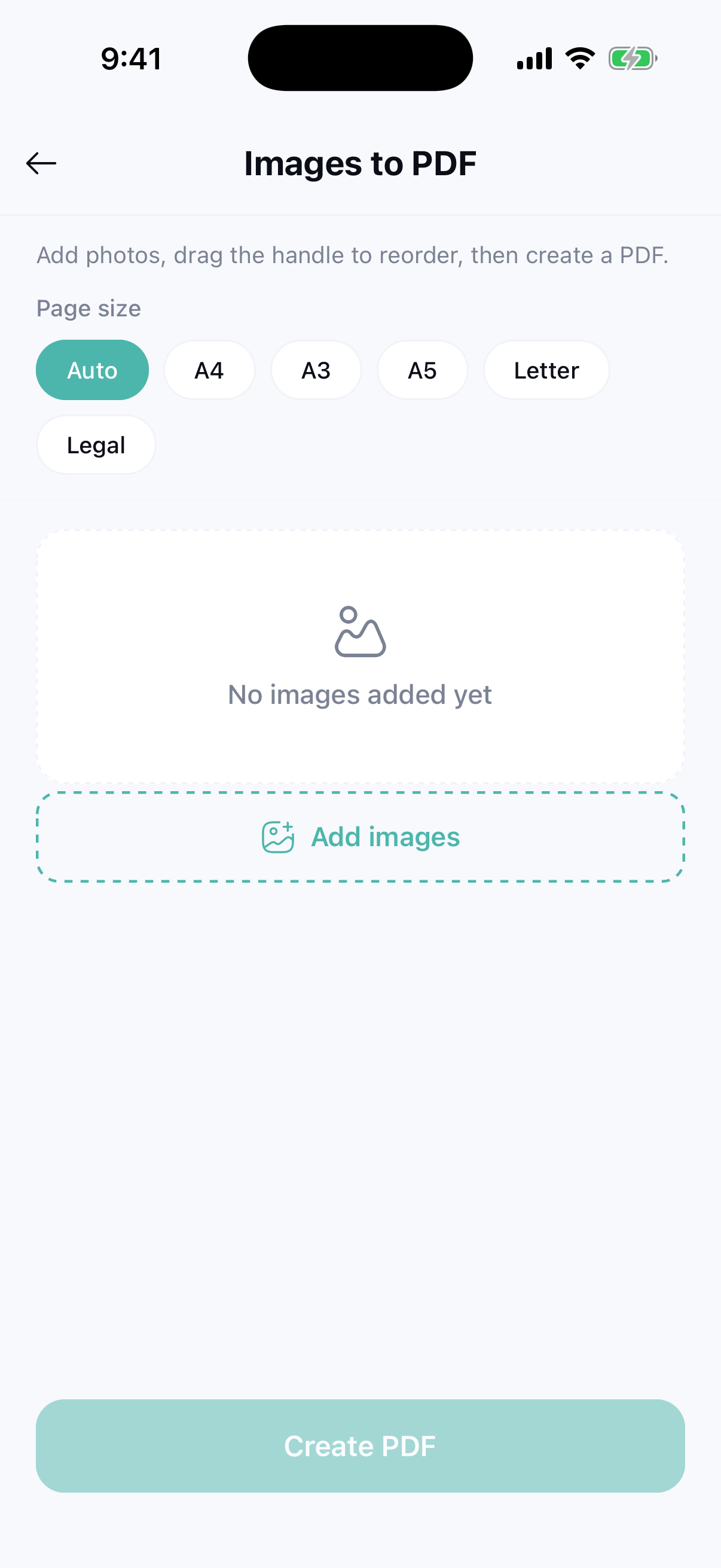
Combine photos and images into a single, neatly formatted PDF instantly.
Scan to PDF
Scan paper documents with your camera and save them as crisp PDFs.
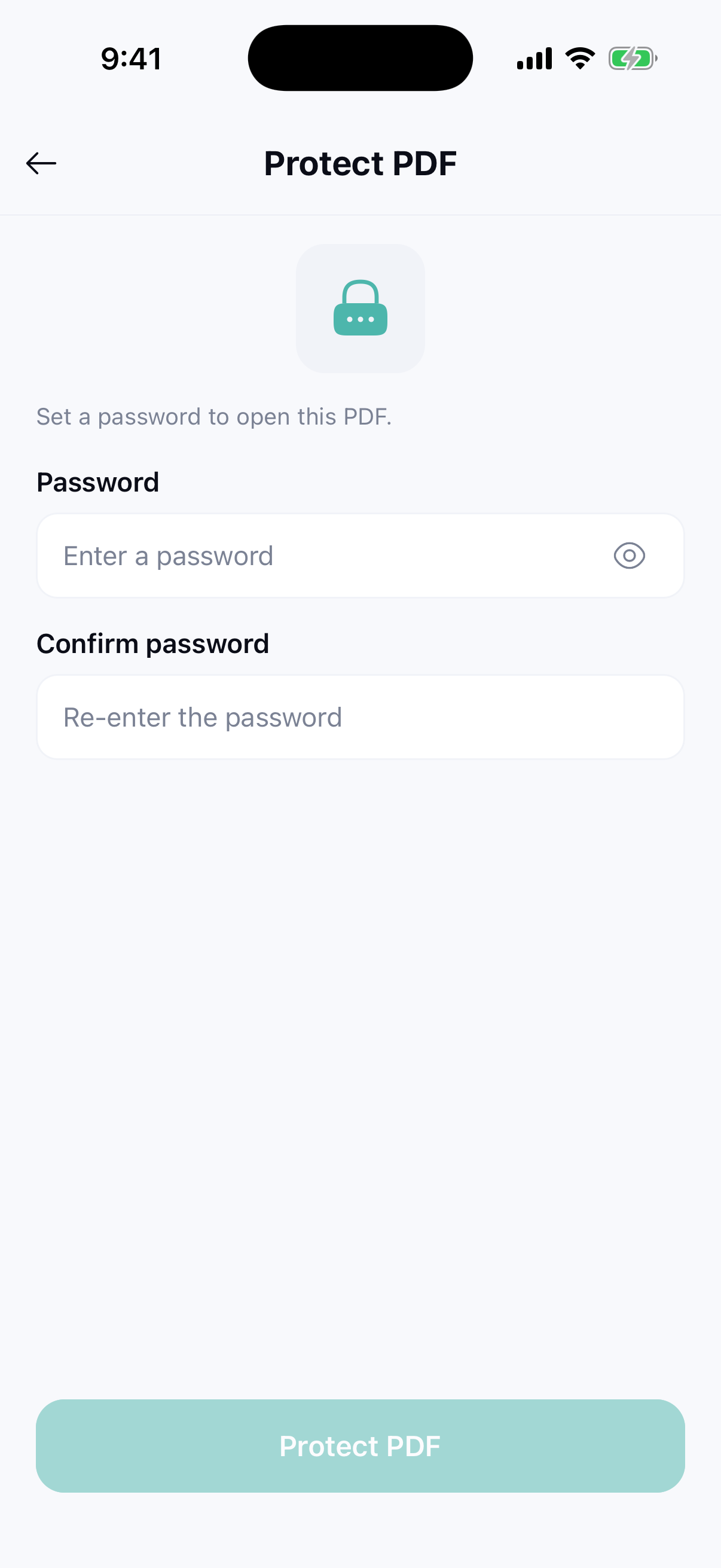
Add Password
Protect sensitive PDFs with a password so only the right people can open them.
Remove Password
Unlock PDFs you own to remove passwords you no longer need.
Split PDF
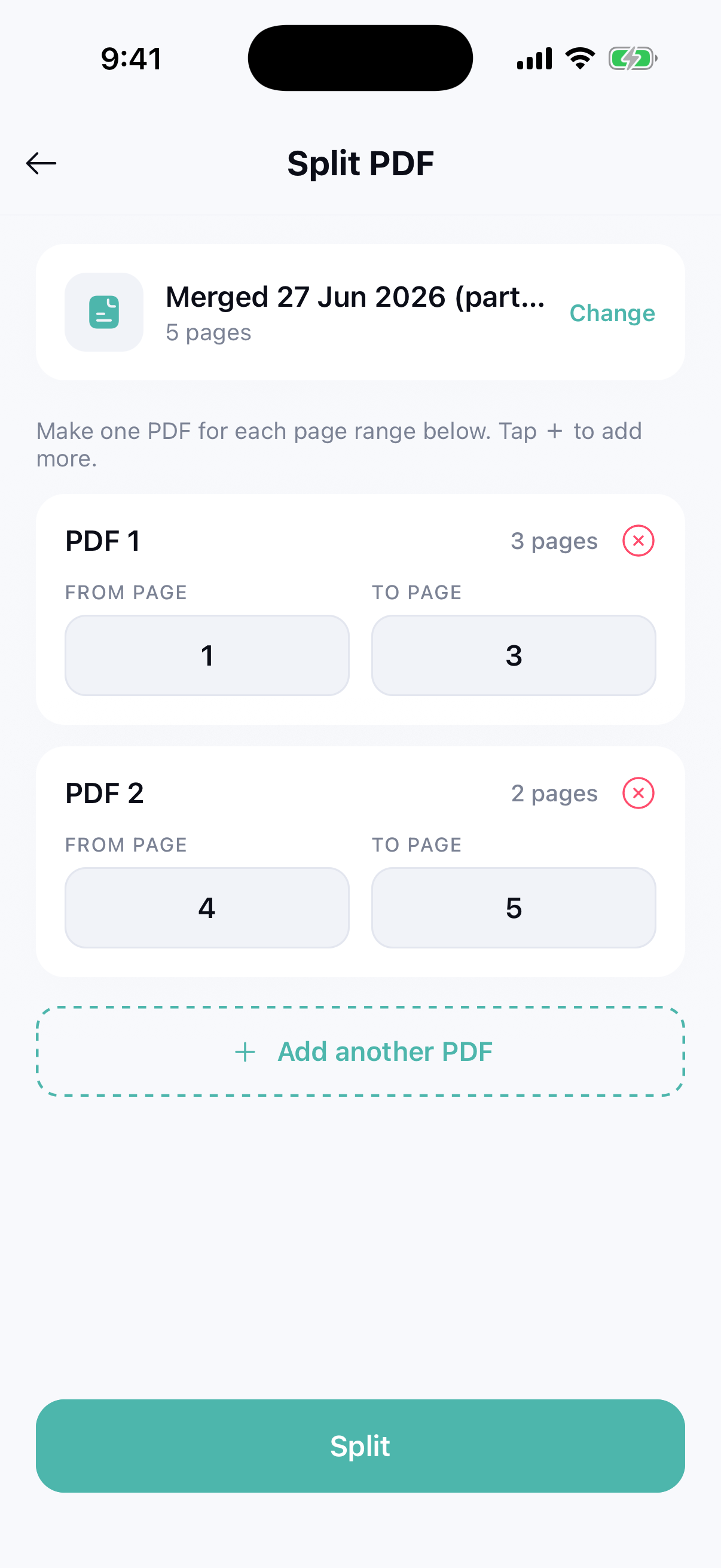
Break a long PDF into separate files or extract just the pages you want.
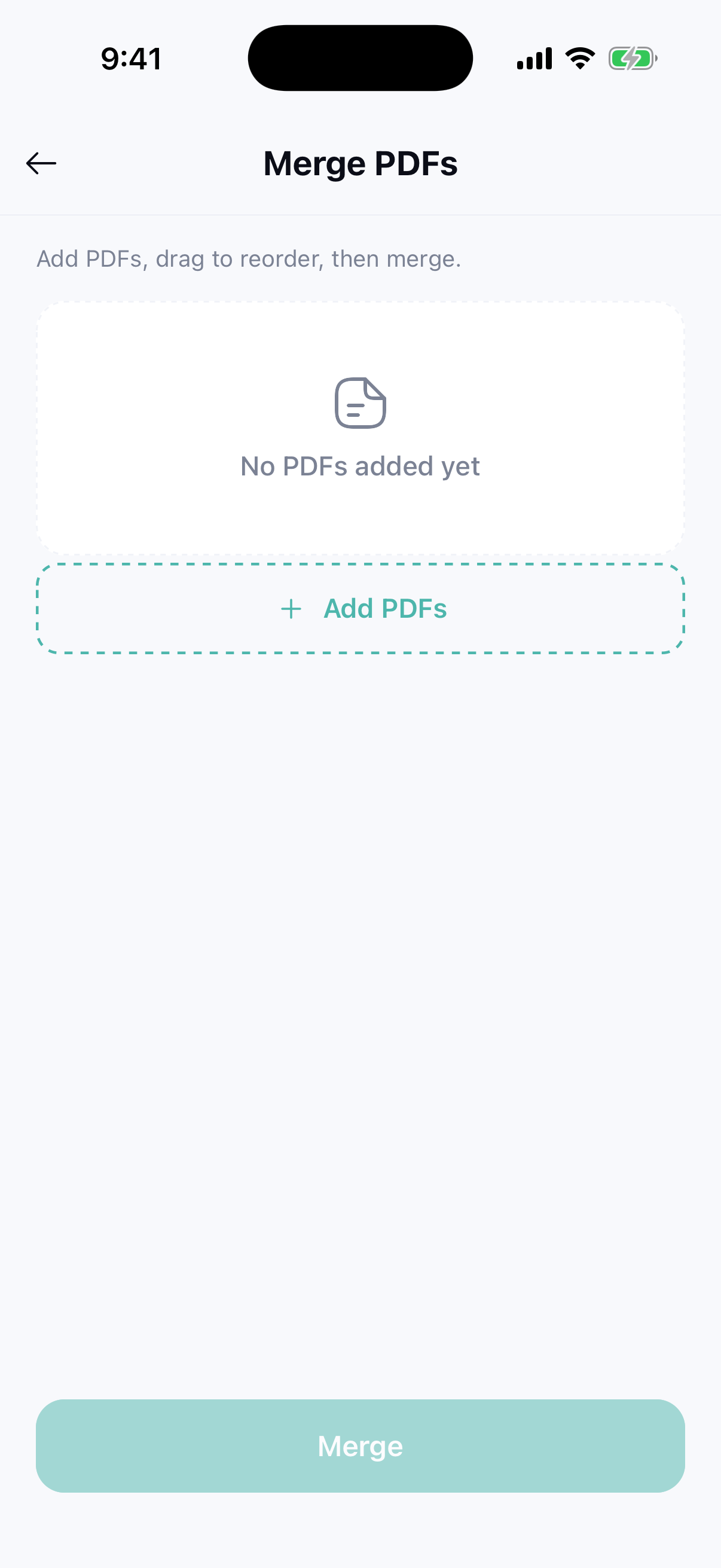
Merge PDF
Combine multiple PDFs into one organized document in seconds.
Compress PDF
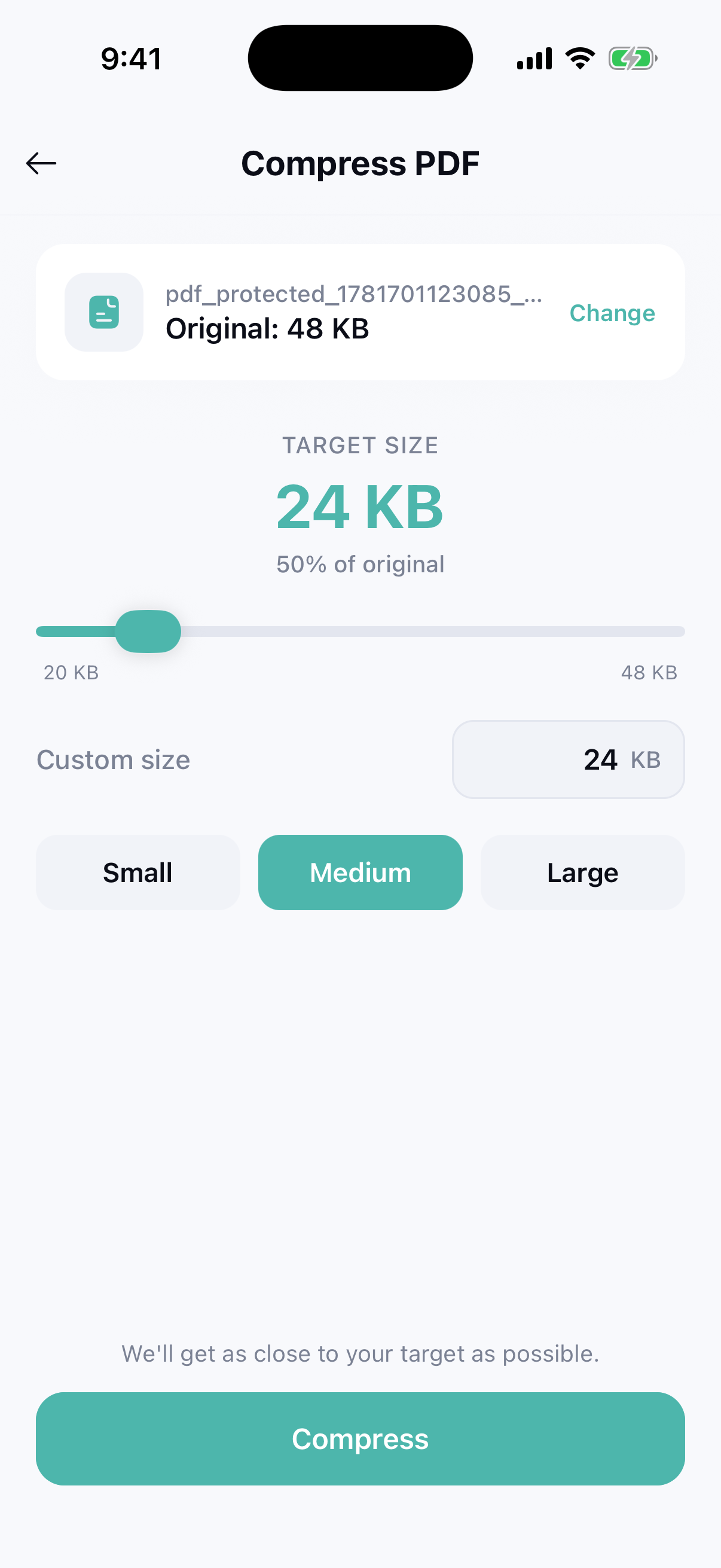
Shrink large PDFs to a target size so they are easy to email and share.
See it in action
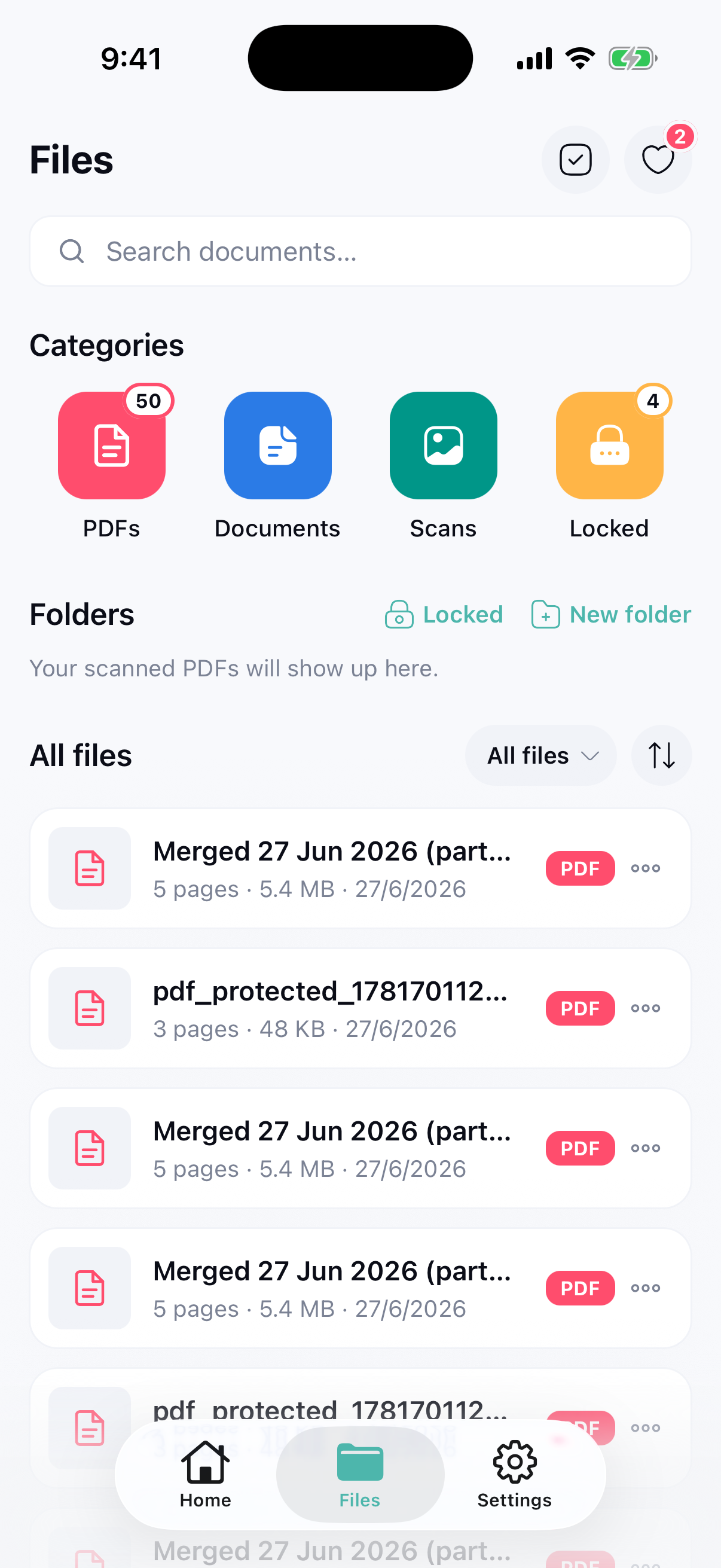
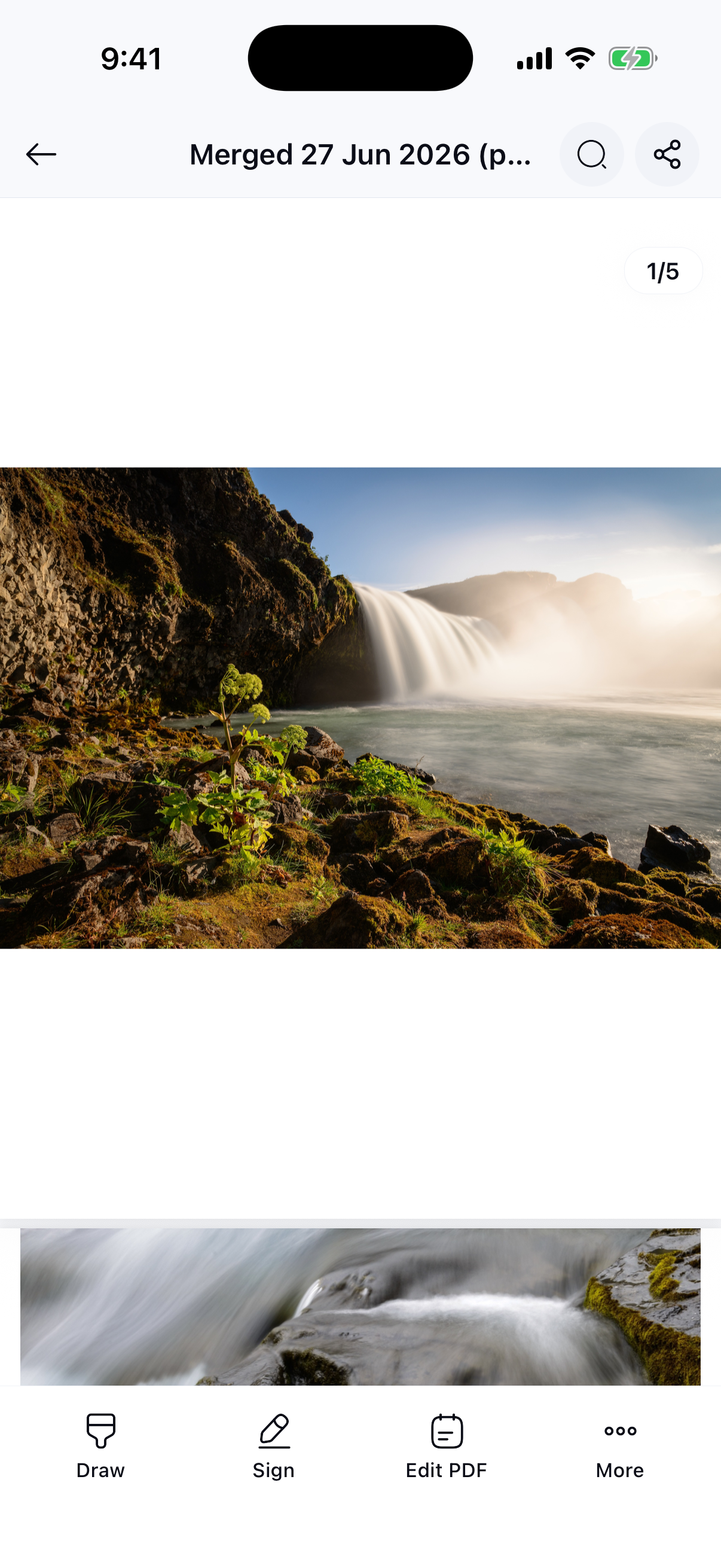
Real screens from the app — swipe through scanning, editing, converting and protecting your PDFs.
Everything in one app
Scan, view, edit, convert, protect and compress PDFs without juggling multiple tools or subscriptions.
Native on iOS & Android
A fast, native experience on both iPhone and Android, so your documents are always within reach.
Fast and simple
Clear, tap-friendly tools get the job done in seconds, even if you have never edited a PDF before.
Private by design
Your documents stay on your device — we never upload or store them. Add passwords to keep sensitive files locked down.
Three simple steps
Scan or import
Capture a document with your camera, or open an existing PDF or image already on your device.
Edit or convert
Annotate your PDF, convert it to an editable document, merge, split or compress it to fit your needs.
Protect and save
Add a password if needed, then save or export your finished PDF to share anywhere.
Frequently asked questions
Is PDF Scanner available on iOS and Android?
Yes. PDF Scanner is a mobile app for both iOS and Android, so you can scan, edit and convert PDFs on your iPhone or Android phone.
Where are my documents stored, and who can see them?
Everything stays on your device. PDF Scanner processes and stores your documents locally — we never upload, read or keep copies of your files. Only you have access to them.
What happens to my documents if I uninstall the app?
All documents and data created in PDF Scanner are stored locally on your device. If you delete the app, that data is removed with it and cannot be recovered by us. Please back up anything important first.
Can I convert a PDF to an editable Word document?
Yes. PDF Scanner converts your PDF into an editable document so you can change the text and layout, then convert it back to a PDF when you are finished.
How do I scan a paper document to PDF?
Open the app, point your camera at the document, and PDF Scanner captures and saves it as a clean, sharp PDF you can edit or share.
Can I merge, split or compress PDF files?
Absolutely. You can merge several PDFs into one, split a document into separate files, and compress large PDFs down to a target size for easy sharing.
Can I password protect a PDF?
Yes. You can add a password to protect a sensitive PDF, and remove the password from PDFs you own when it is no longer needed.
Can I turn images into a PDF?
Yes. Select one or more photos or images and PDF Scanner combines them into a single, neatly formatted PDF.
Your complete PDF toolkit, ready when you are
Scan, edit, convert and protect your documents on iOS and Android — all on your device. Try PDF Scanner today and handle every PDF from one app.